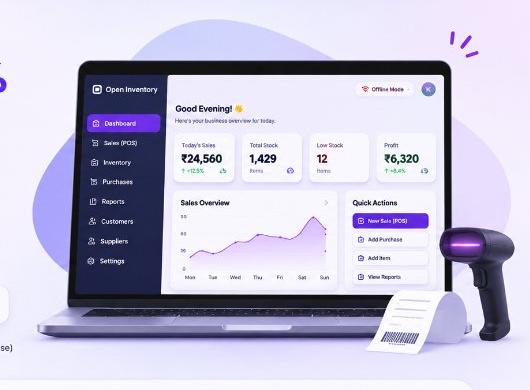
A powerful, offline-first solution for retailers and suppliers to manage billing, inventory, stock alerts, and profit analytics — with zero cloud lock-in and zero subscription fees.
A complete, offline POS & inventory solution to manage billing, stock, customers, and reports — fast, simple, and free.
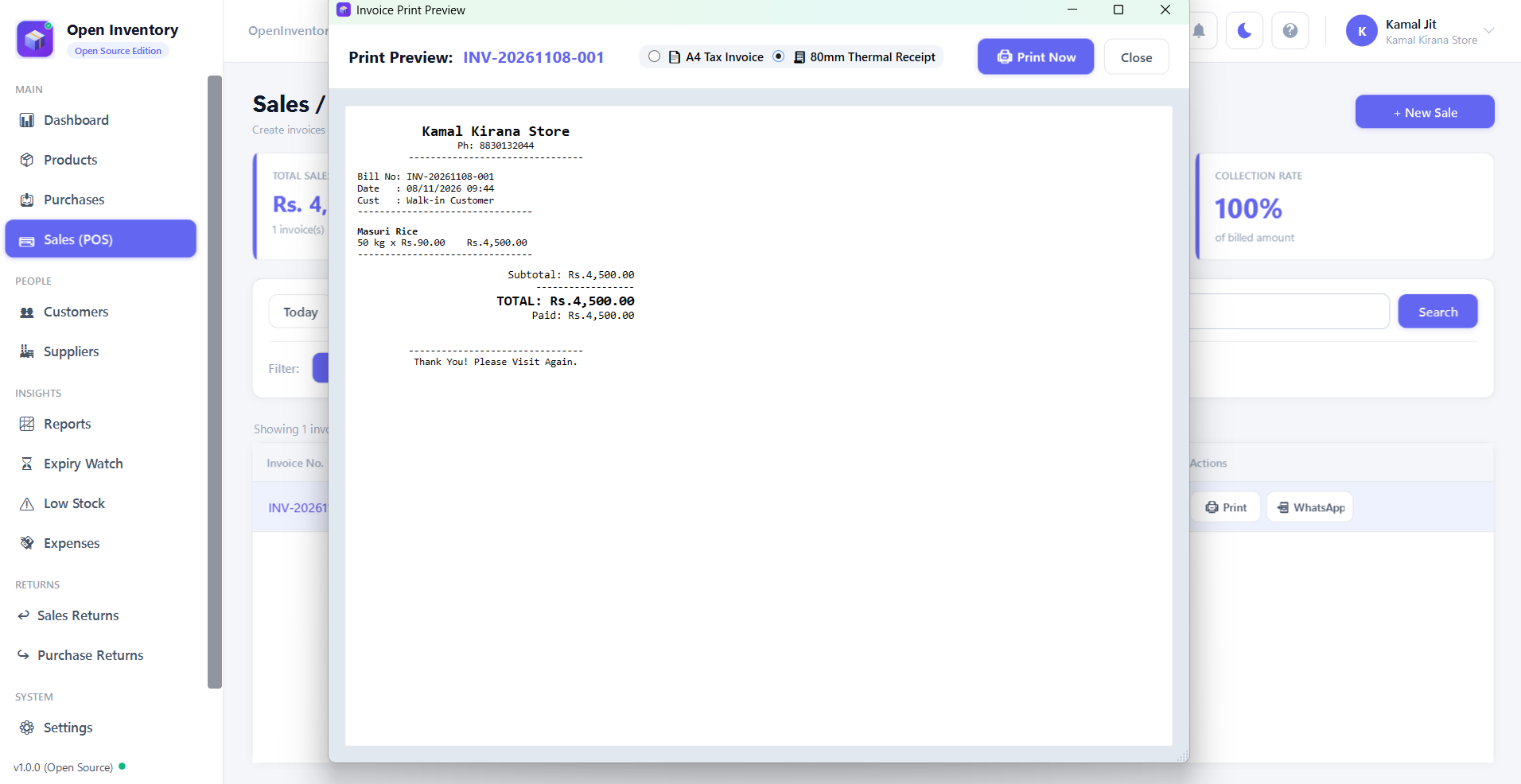
Lightning-fast billing with barcode scanner support, shortcuts, GST rates, discounts, and instant thermal receipts.
Real-time stock tracking, low-stock alerts, purchase price tracking, and automatic profit margin calculation.
Full double-entry khata ledger, track receivables and payables, partial payments, credit limits, and generate balance statements.
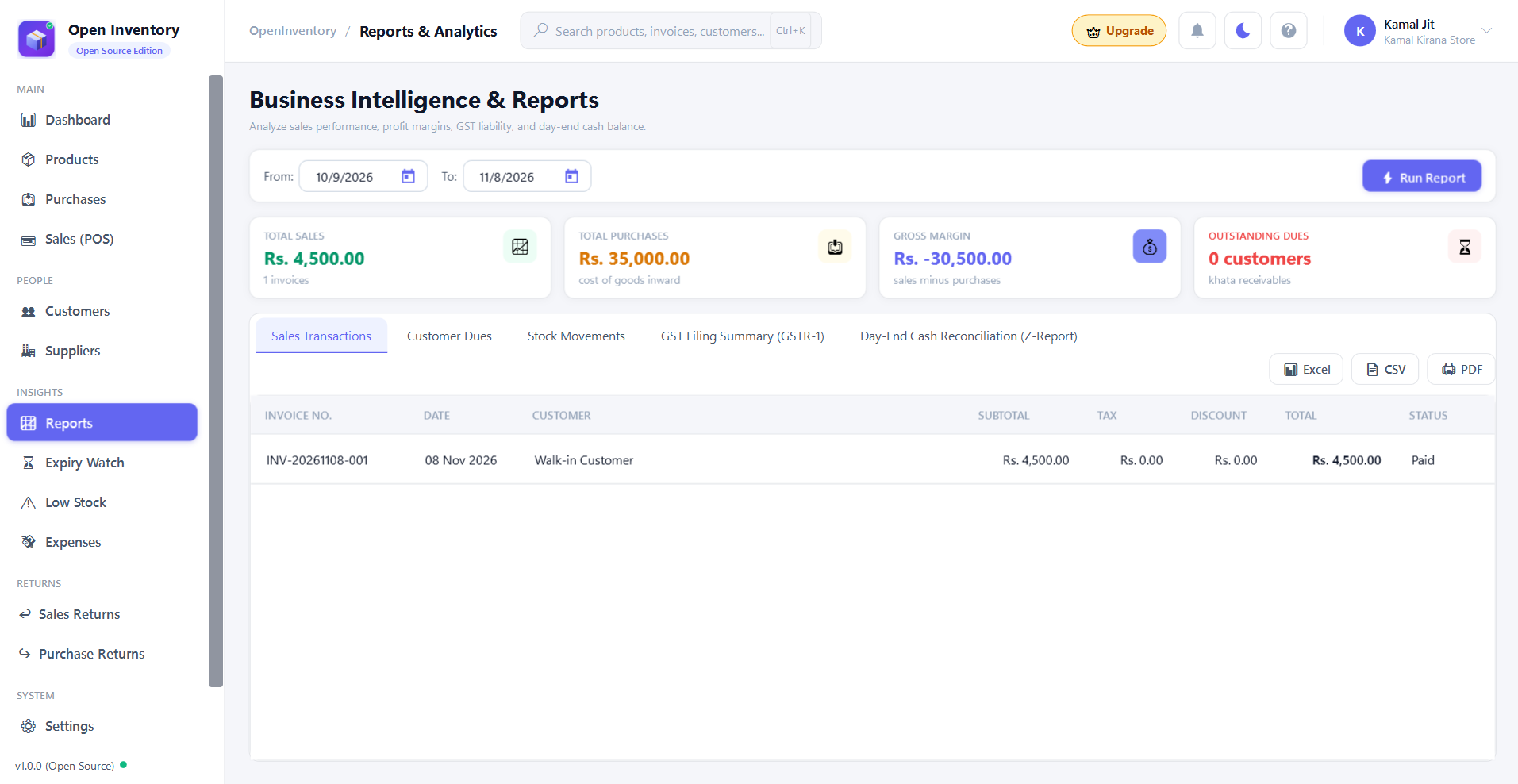
Interactive daily, weekly, and monthly sales reports with visual trends. Analyze profit, revenue, and export clean Excel/PDF reports.
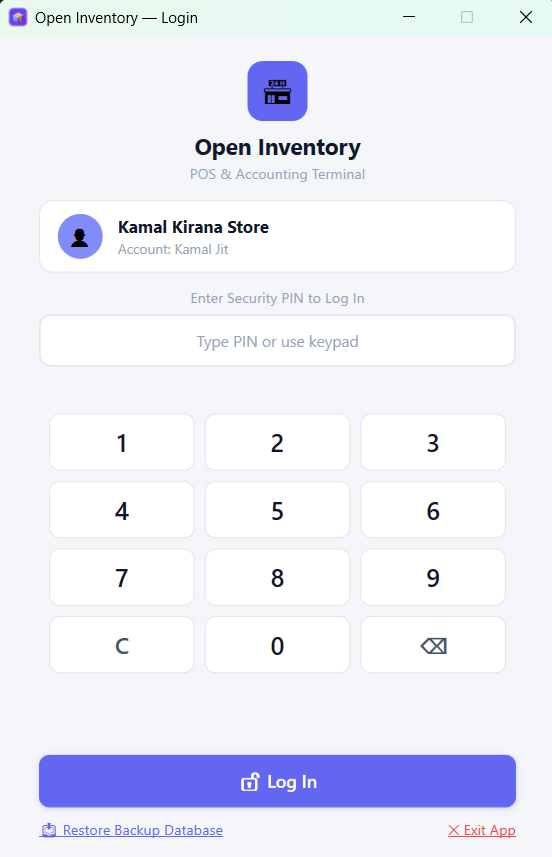
Secure your sales with a numeric master/cashier PIN, role-based access, and lock screen when idle to prevent unauthorized use.
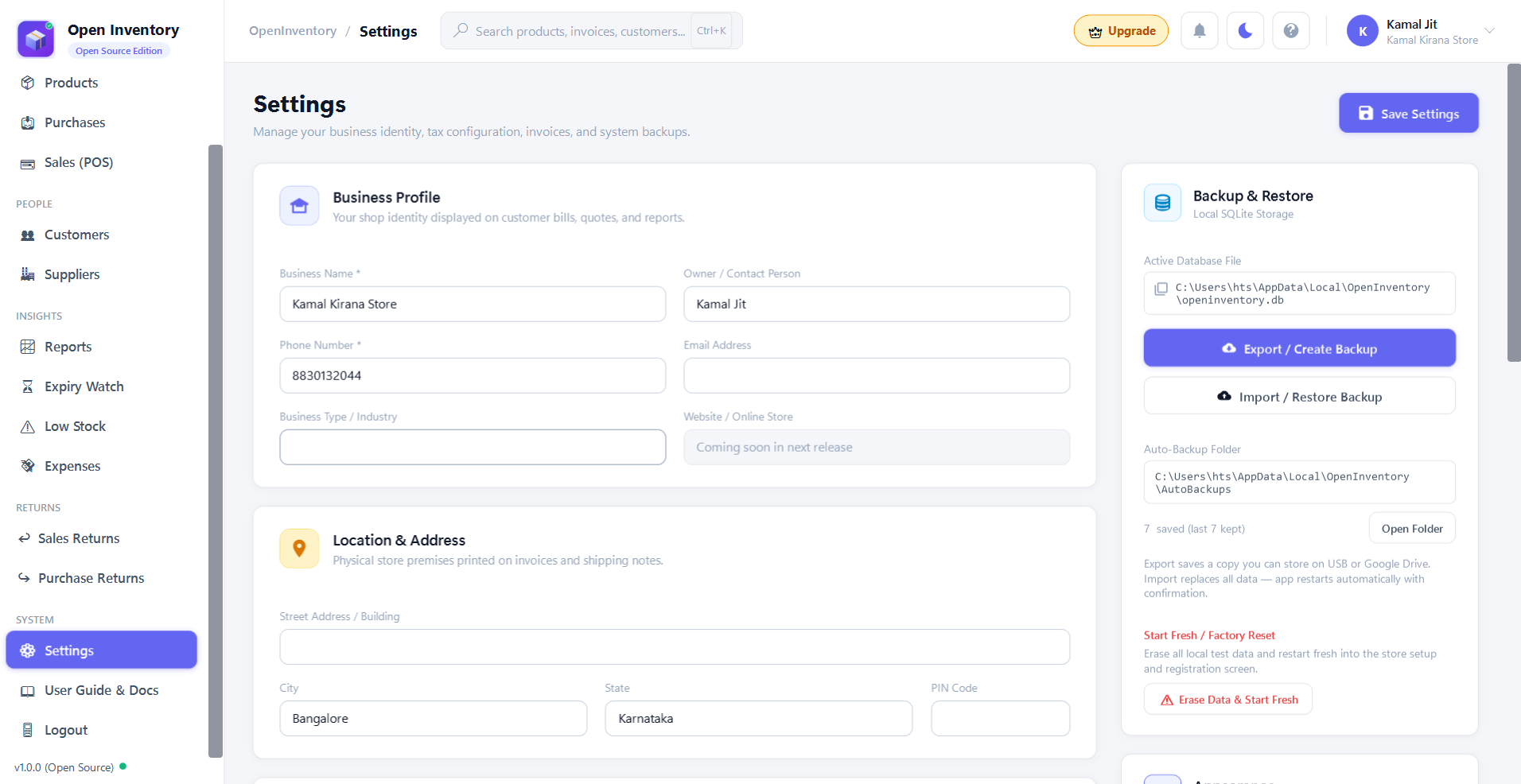
Your business data stays on your computer. No cloud sign-in, no data tracking, and no subscription fees. Works completely offline.
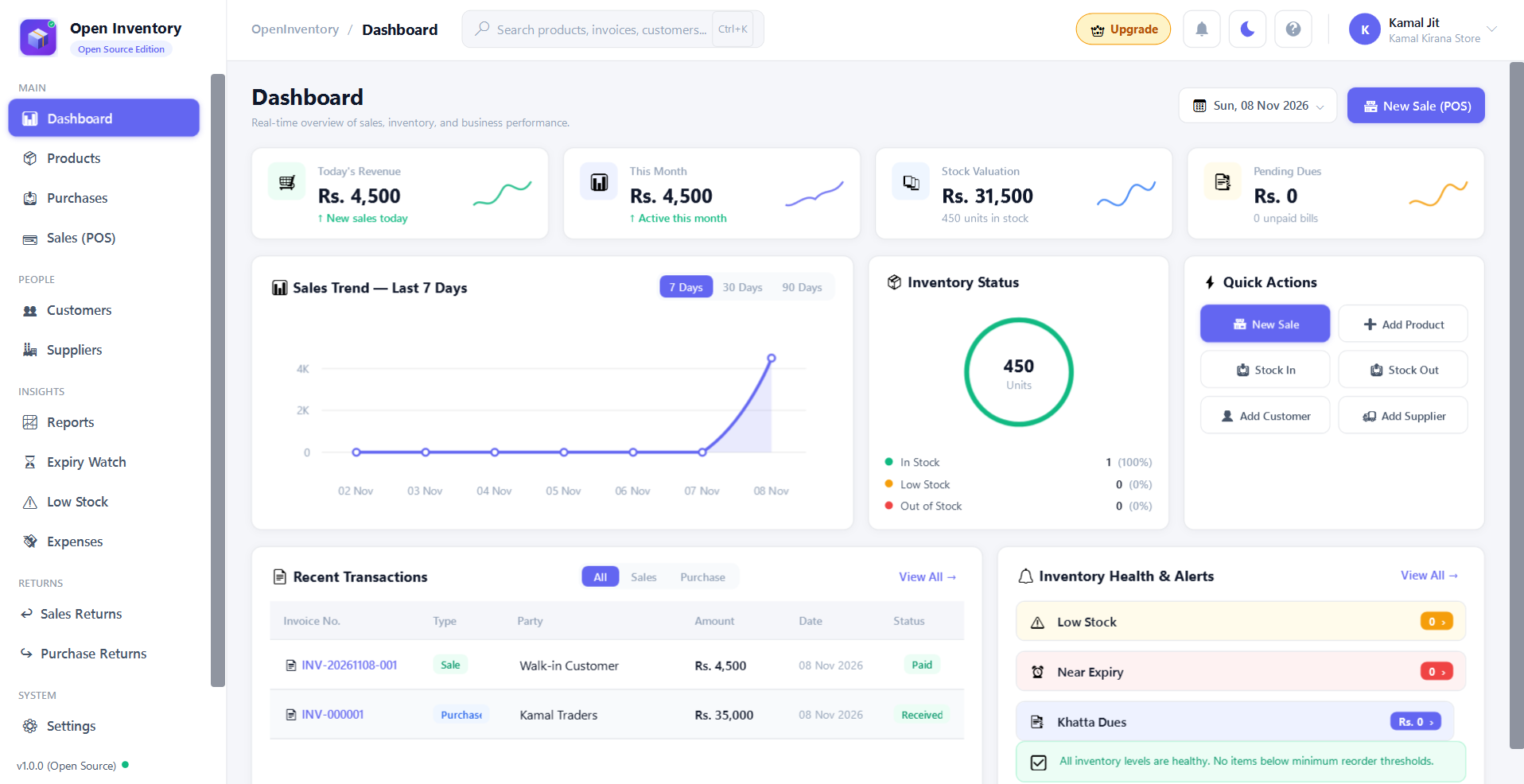
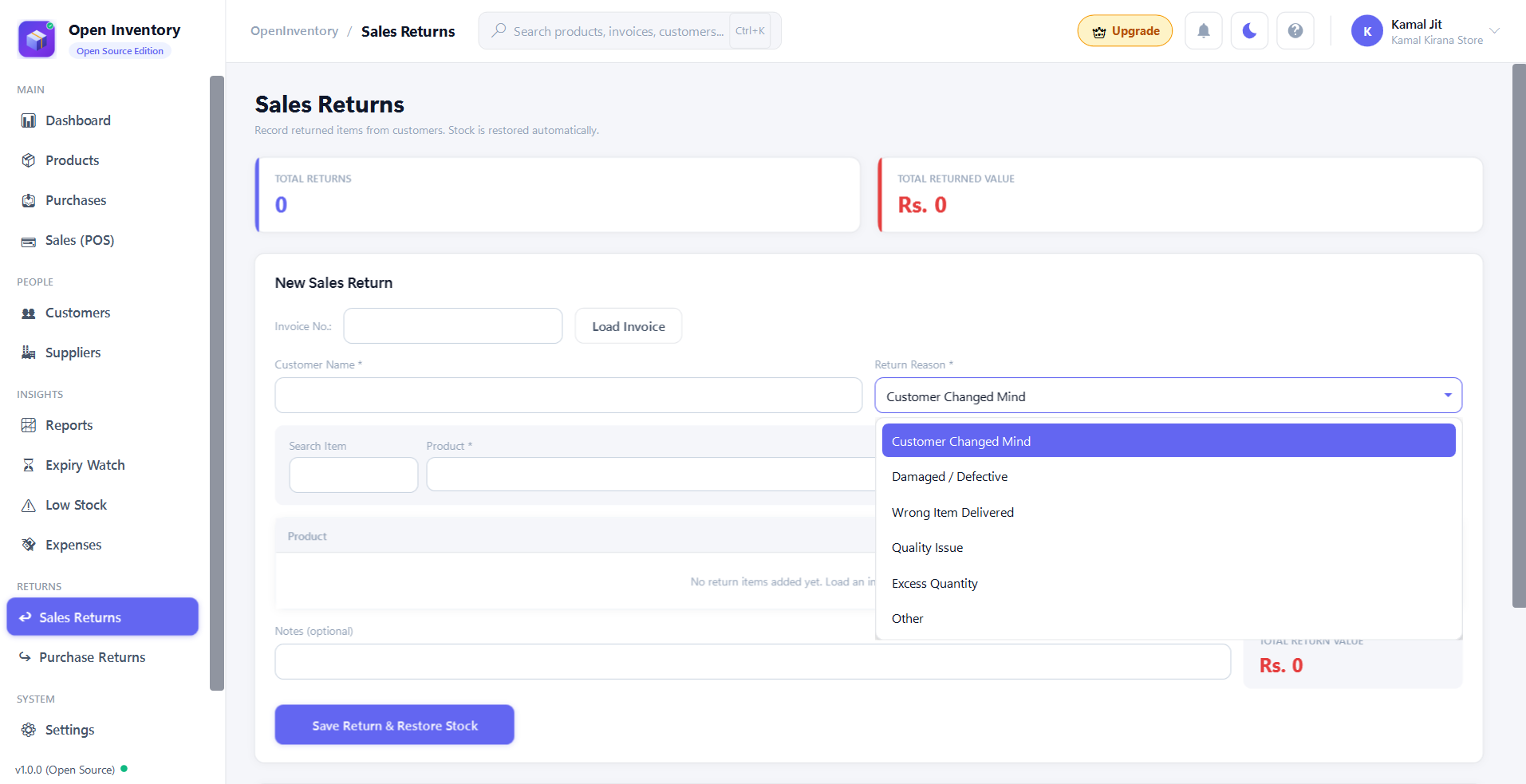
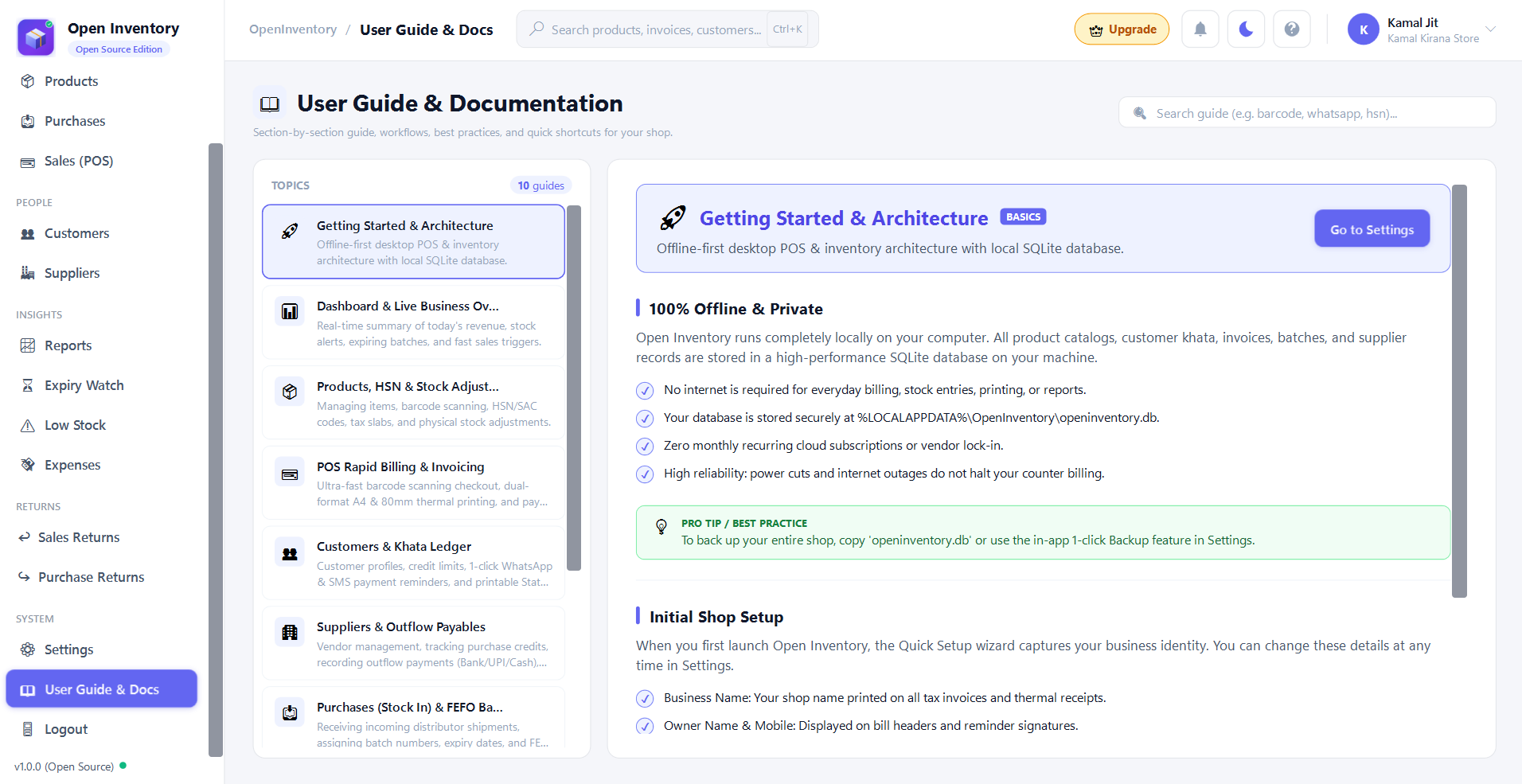
Explore high-resolution screenshots straight from Open Inventory running on Windows.
Scan barcodes with USB or wireless handheld scanners. The system automatically fetches and applies discounts and stock in real time, calculates GST breakdown, and generates printable invoices instantly.
Get a powerful, offline POS & inventory management application for your shop. Single executable installer with all dependencies bundled — zero subscription fees, zero cloud lock-in.
Click the download button above to get the OpenInventory_Setup_v1.0.0.exe file.
Double-click the .exe file and follow the installation wizard. All required components will be installed automatically.
Open Open Inventory from your desktop or Start Menu, register your store, and start managing your inventory.
Find quick answers to the most common questions about Open Inventory.
Open Inventory is 100% open source under the MIT License, ensuring unrestricted commercial use and strict local data privacy.
Copyright © 2026 Open Inventory Contributors. All rights reserved.
Permission is hereby granted, free of charge, to any person obtaining a copy of this software and associated documentation files (the "Software"), to deal in the Software without restriction, including without limitation the rights to use, copy, modify, merge, publish, distribute, sublicense, and/or sell copies of the Software, and to permit persons to whom the Software is furnished to do so, subject to the following conditions:
The above copyright notice and this permission notice shall be included in all copies or substantial portions of the Software.
All your store data — databases, transactions, customer details, and invoices — remains stored locally on your computer. No data is uploaded to any cloud server, with zero tracking, zero analytics, and zero data sharing.
THE SOFTWARE IS PROVIDED "AS IS", WITHOUT WARRANTY OF ANY KIND. Users are solely responsible for validating tax rates (GST/VAT) and adhering to local legal compliance.
Windows 10 & 11 (64-bit) • Standalone Setup
Please provide your details below to receive the setup installer and quick-start user guide.
Thank you, ! The setup installer OpenInventory_Setup_v1.0.0.exe is downloading.